Organize your eating
You don't have to remember everything you ate today.
Organize your meals in seconds and see your whole week in one place. My Day remembers, so you don't have to.
- Every meal of the day in one list
- Calendar with each day's status
- Weekly report with PDF
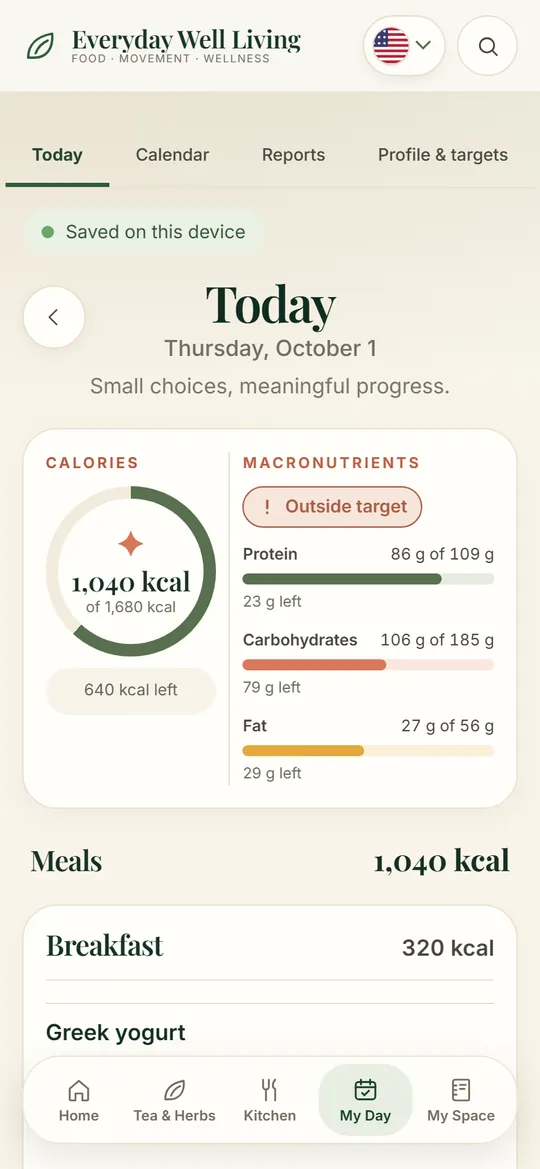
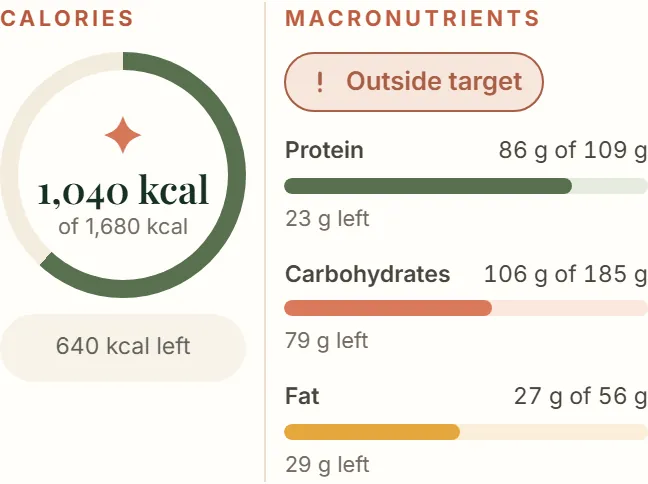
Calories today1,040 of 1,680 kcal
Protein86 of 109 g
Your daily target
Stop guessing how much you should eat.
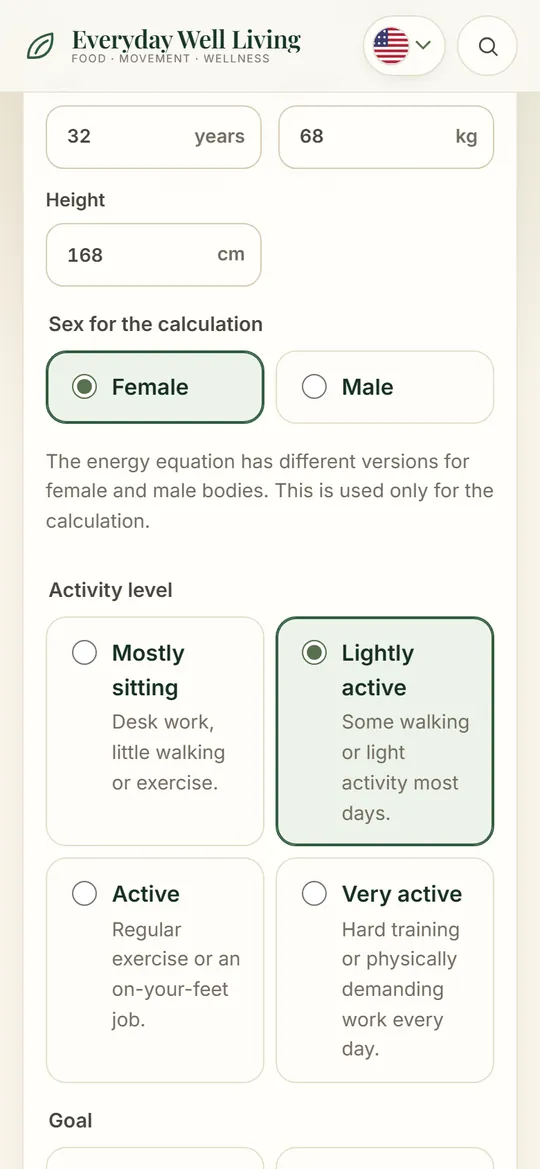
Enter age, weight, height, activity and goal. Get an estimate of your daily calories and macros — and see how today is going.
- Estimate in about two minutes
- Adjust any number yourself
- Follow it through the day
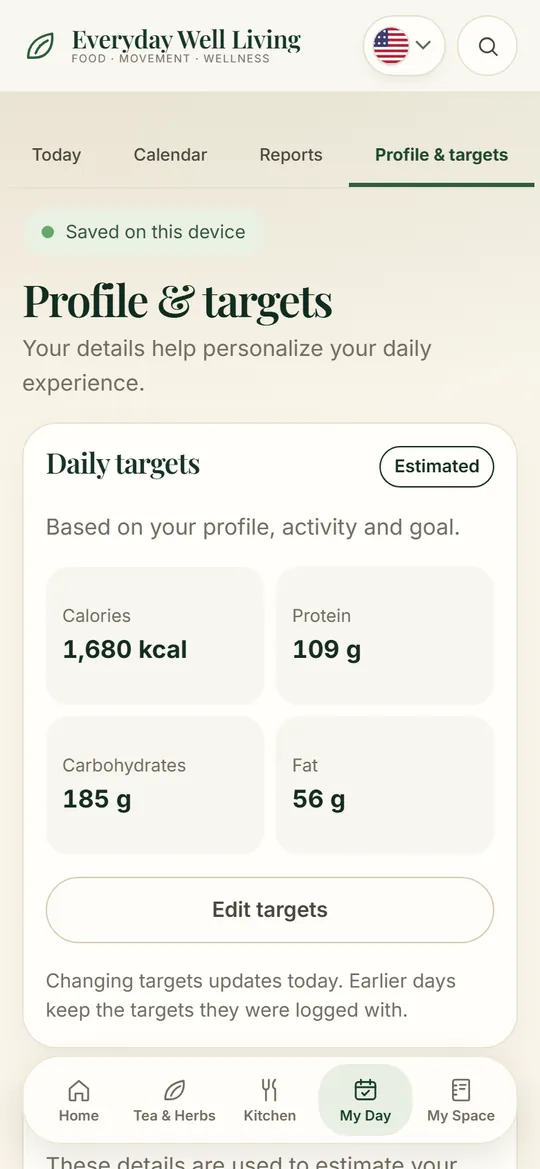
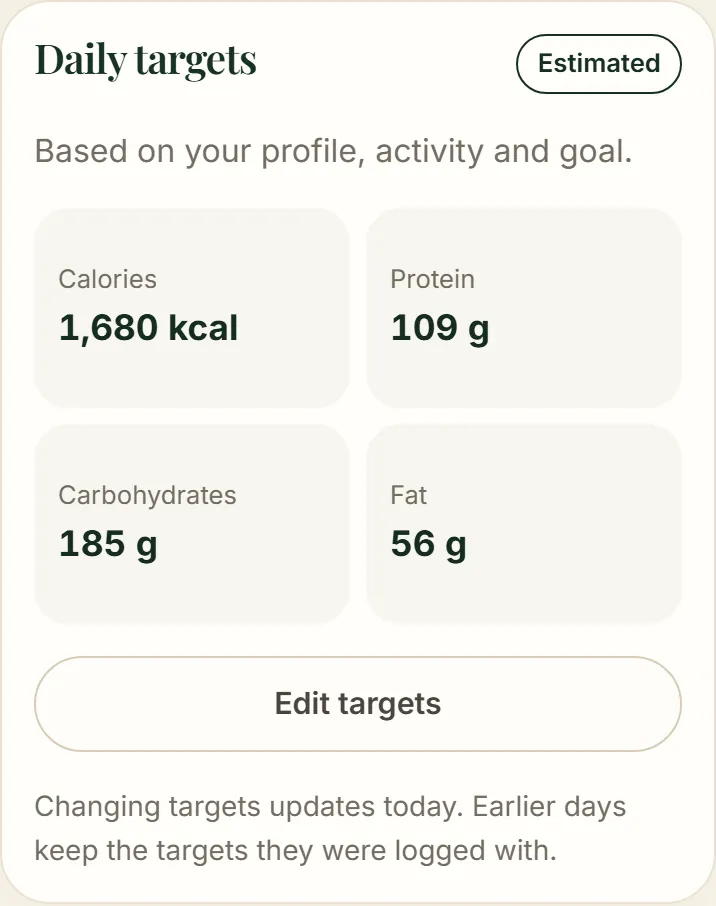
Daily target1,680 kcal
Calories and macros
Stop reaching the end of the day without knowing if you hit your targets.
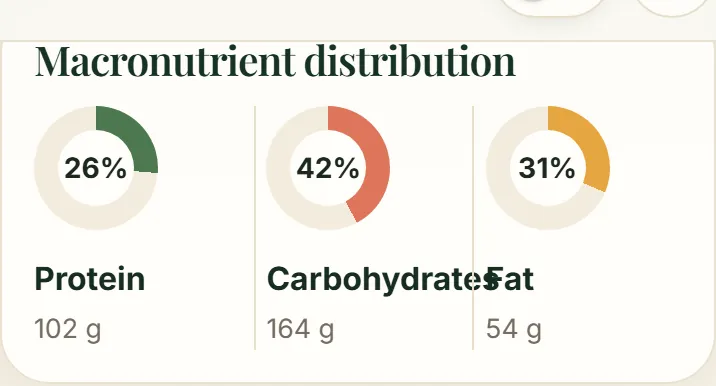
Calories, protein, carbs and fat — eaten versus target — after every meal, while there's still time to adjust.
- Protein, carbs and fat in real time
- Eaten versus target
- Week and month averages
Protein86 of 109 g
Left today640 kcal
Eat well without repeating
A healthy routine gets much harder when every meal feels the same.
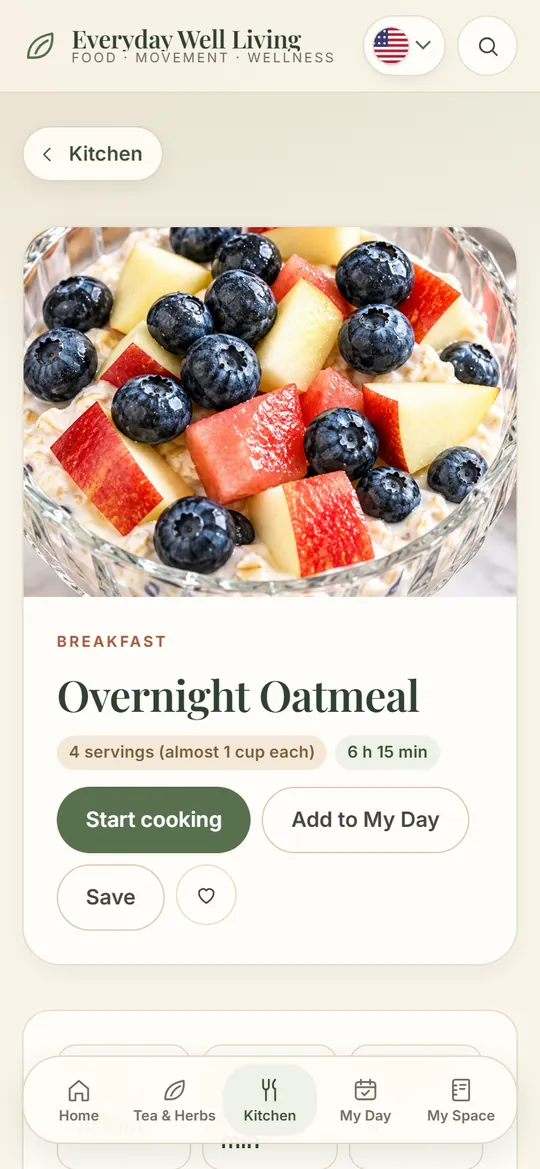
Balanced recipes with nutrition per serving, bakes paired with drinks, and My Day logs what you cook — variety without losing your targets.
- Healthy recipes for your goals
- Bakes paired with drinks
- Log what you cook in My Day
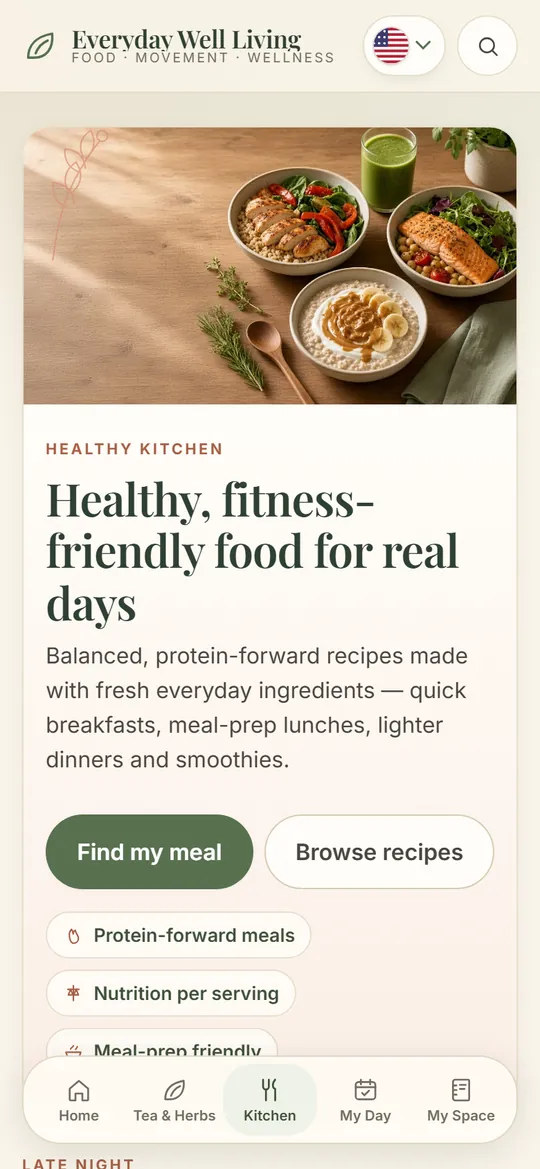
Healthy KitchenNutrition per serving
Everyday wellness
A healthy routine is easier when everything talks to each other in one place.
Meals, targets, healthy recipes and a cup for every moment — food, routine and tea in the same app.
- My Day for your meals
- A complete tea and herb guide
- Phone, tablet and computer
Calories today1,040 of 1,680 kcal
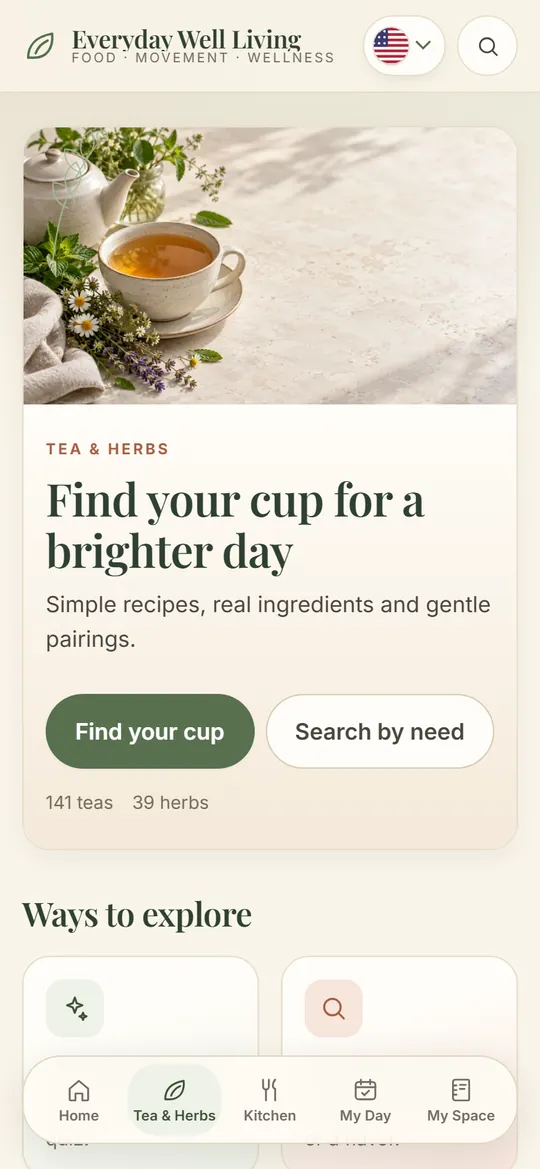
Tea & HerbsTeas · herbs · infusions
Tea & Herbs
Thousands of years of herbal tradition, in your everyday cup.
Practical tea recipes, every herb explained with its traditional uses and cautions, and step-by-step guided brewing.
- Caffeine-free teas and infused waters, always growing
- Herb guide with traditional uses and cautions
- Guided brewing with timer
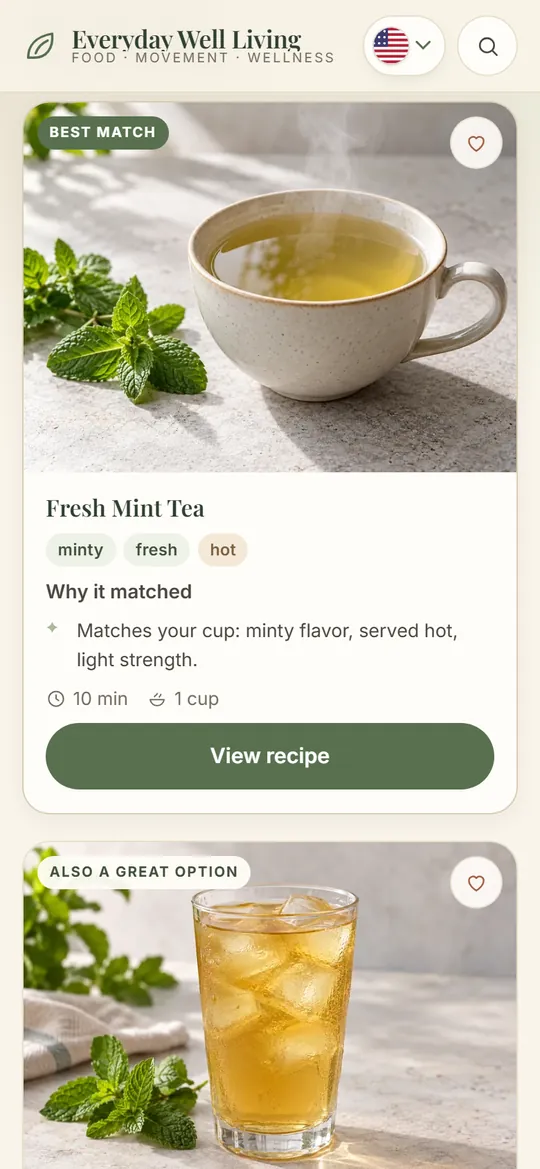
Find Your Cup3 questions
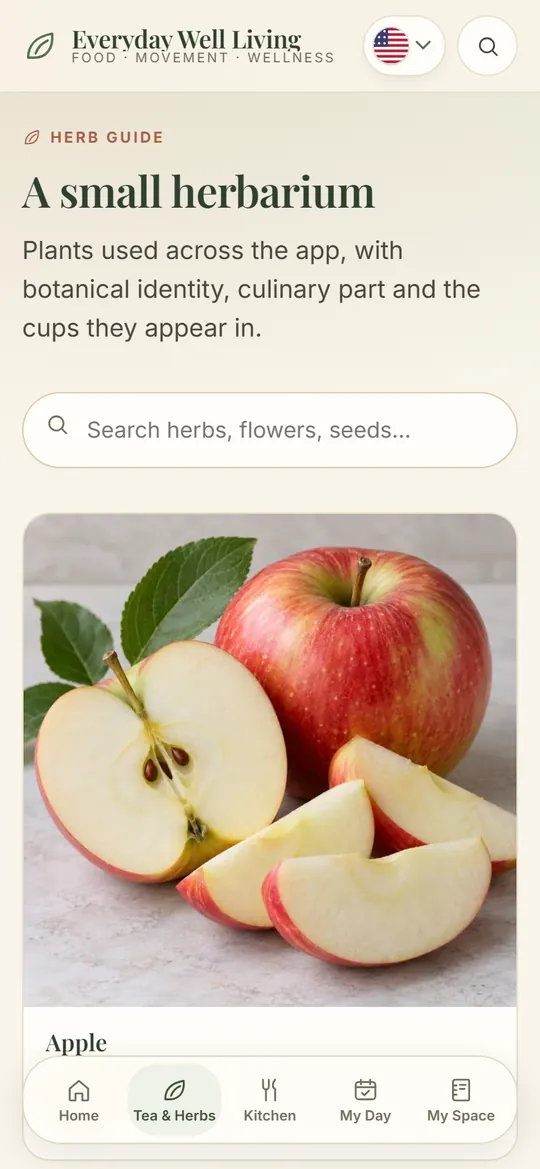
Herb GuideUses & cautions
“By dinner I have no idea what's left.”
My Day · Today
Your whole day on one screen — what you ate and what's left.
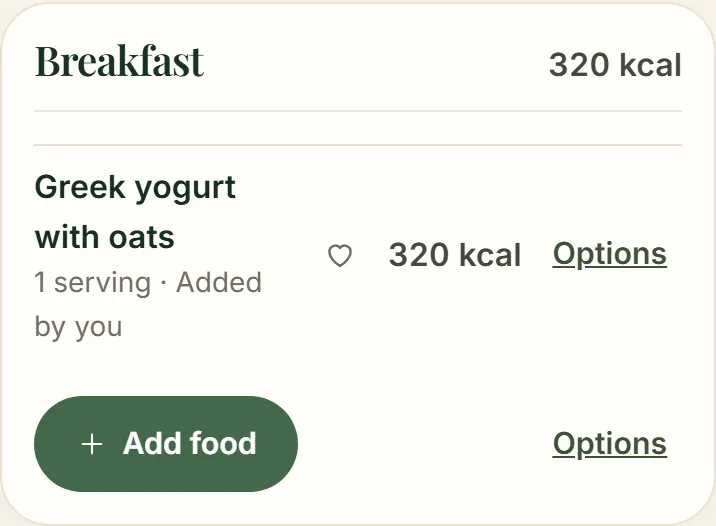
Today groups breakfast, lunch, dinner and snacks. Each meal shows its calories and macros, and the ring at the top tells you how much of the day's target you've used.
How it works
Open Today and pick the meal.
Add a food — search, a product or your own entry.
The ring and the macro bars update on the spot.
You stop relying on memory: the day is written down as it happens.
Left today640 kcal
Do you remember exactly how you ate last Tuesday?
My Day · Calendar
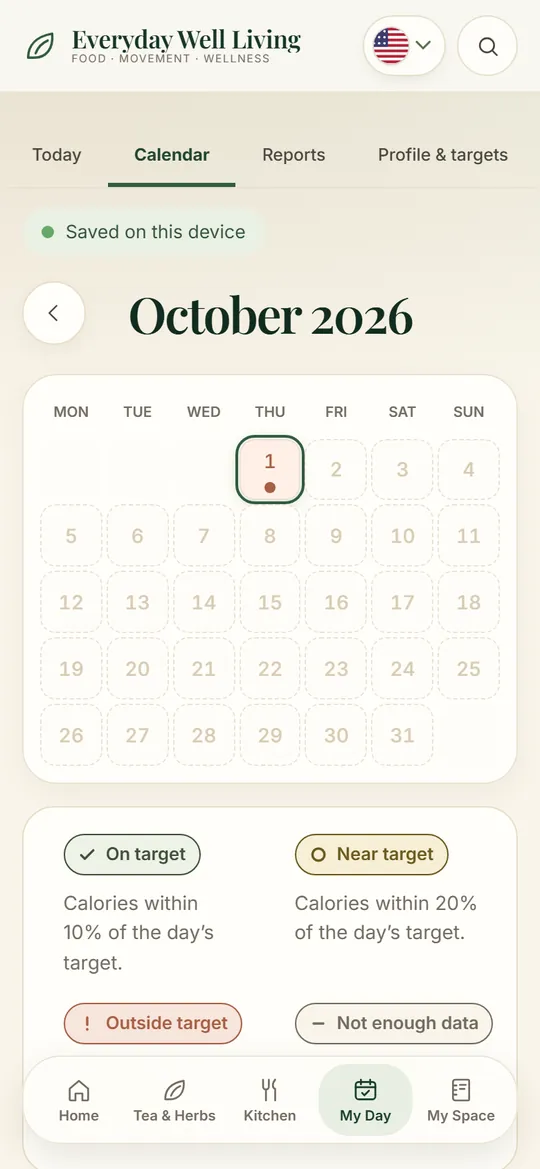
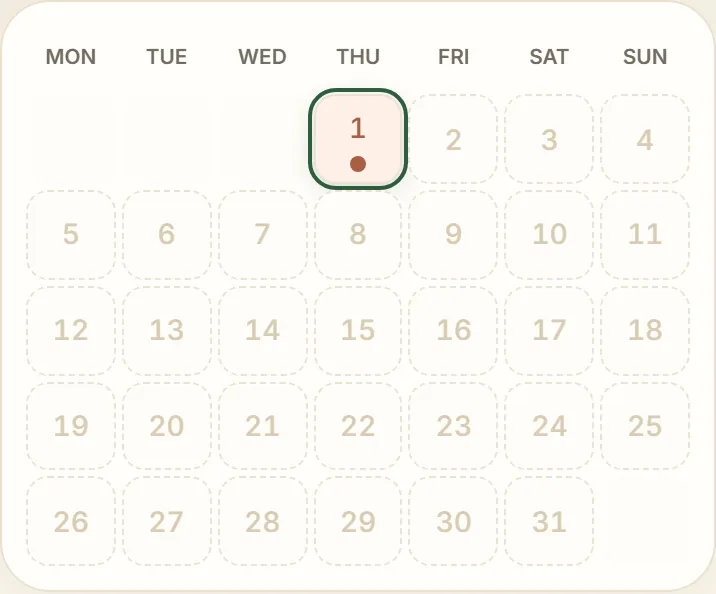
Your history stays organized, day by day.
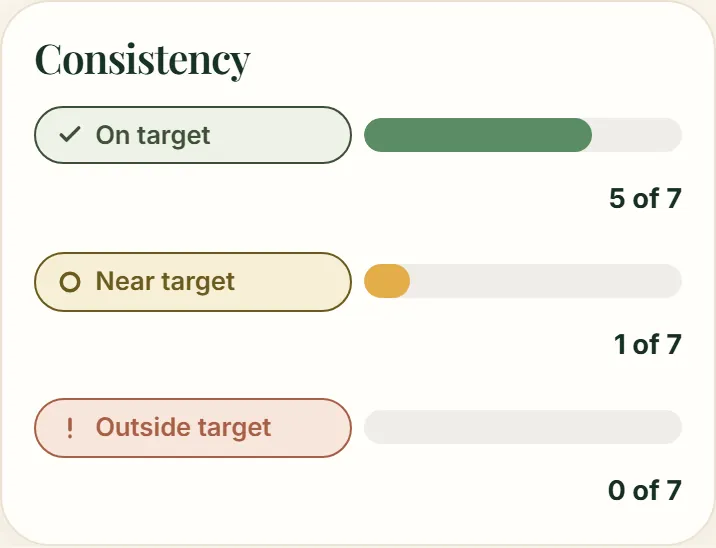
The My Day calendar keeps every logged day. Each one gets a simple status — on target, near target or outside — so you can go back to any day and understand your routine.
How it works
Log your meals as usual.
The calendar marks each day compared with your target.
Tap a day to open it and review or adjust.
Patterns jump out without any math: you see which days slip and why.
And when the week ends, you don't have to trust your memory.
My Day · Reports
A bad week doesn't have to become a bad month.
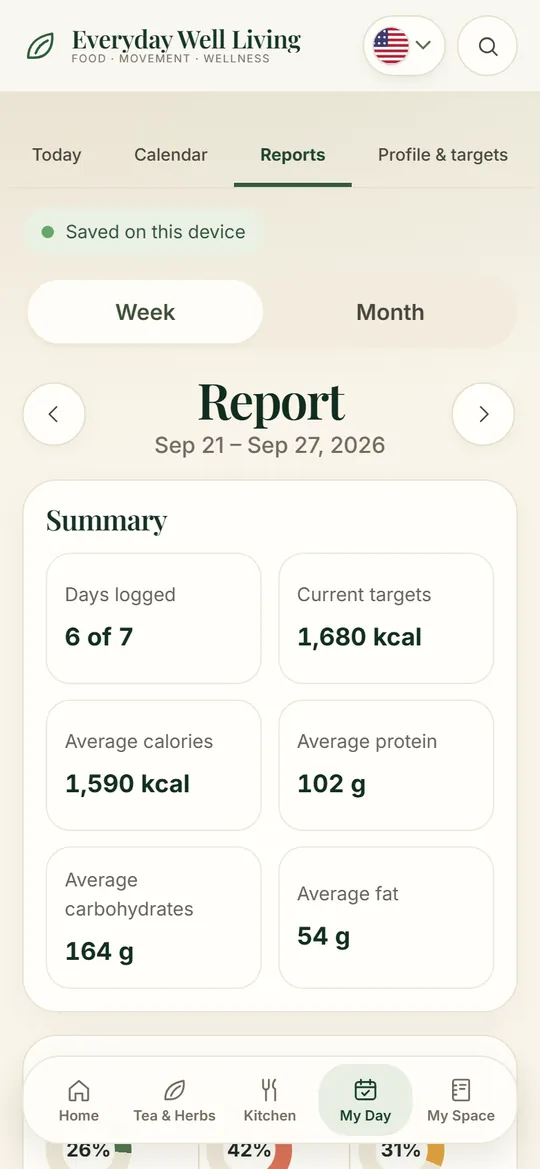
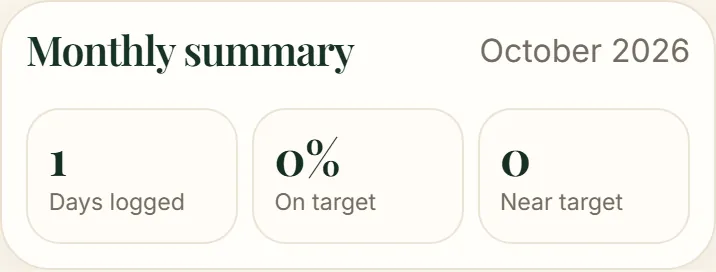
See how many days you logged, your average calories, protein, carbs and fat, and where you were closer to or further from your targets — for the week or the month.
How it works
Open Reports and choose week or month.
Read the averages, the daily chart and the status of each day.
Download the PDF in one tap.
You end the week knowing what worked — and start the next one with a plan.
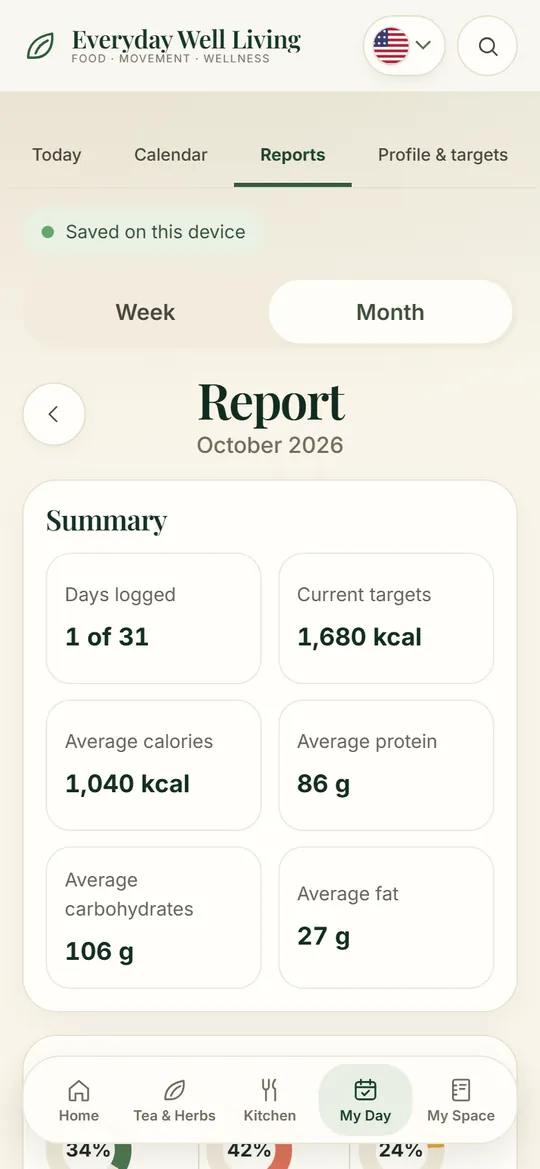
Weekly reportPDF in one tap
“Every calculator gives me a different number.”
Profile & Targets
Your targets, estimated from your profile — and yours to adjust.
Discovering your target is only the start. Everyday Well Living estimates calories and macros with a published equation and then helps you follow them every day.
How it works
Fill in your profile: age, weight, height and activity.
Choose your goal.
The app estimates calories, protein, carbs and fat.
Adjust any number if you prefer.
Log your food and follow it through the day, the week and the month.
One clear number to aim for, instead of five that disagree.
“Logging food takes too long, so I give up.”
Add Food
Log a meal in one tap.
Add Food opens on For you: your usual picks for that meal, your most used foods and Kitchen recipes — tap + and it's logged with the last amount. Tap the heart on the ones you repeat to keep them in Favorites. For something new, search USDA FoodData Central, packaged products from Open Food Facts, or enter your own dish.
How it works
Tap add on the meal.
Tap + on one of your usual foods — or search.
Done: the day updates and the list stays open for the next one.
Logging stops being a chore, so you actually keep doing it.
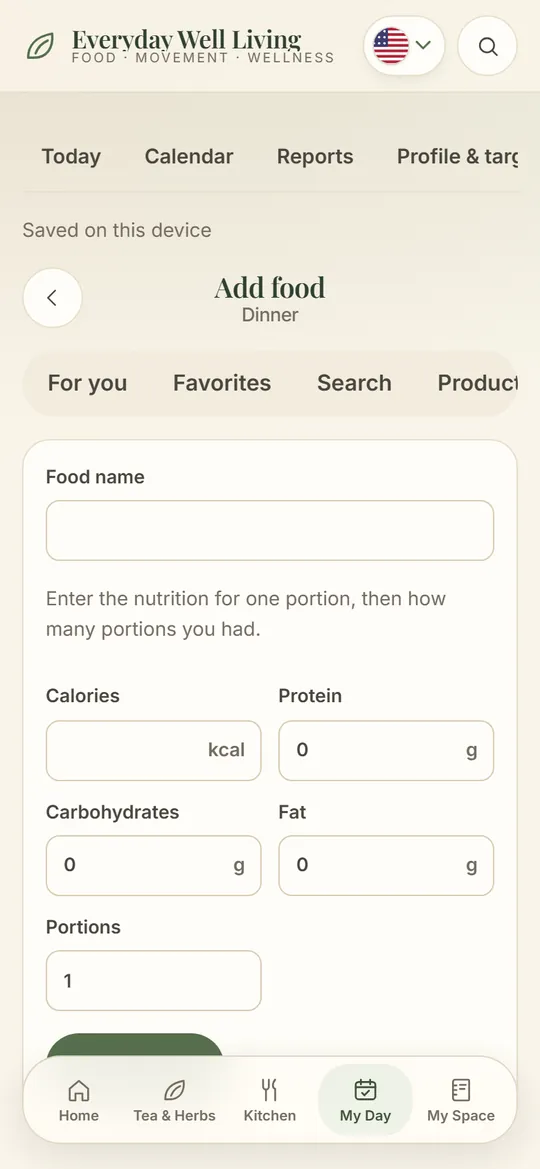
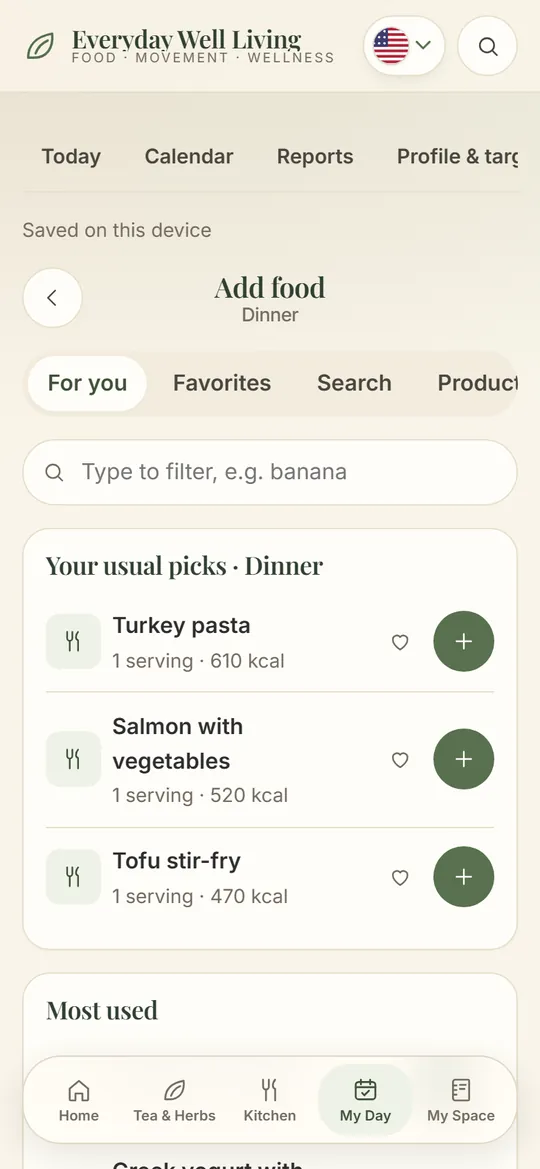
For youUsual · Most used · Favorites
Food databaseUSDA · Open Food Facts
“I never know what to make that isn't the same as yesterday.”
Healthy Kitchen
Healthy recipes and an answer to “what do I cook today?”
Balanced recipes made with fresh ingredients — quick breakfasts, lunches, light dinners and a smoothie — each with reviewed nutrition per serving. Tell Find my meal the meal, your time and what matters today (more protein, light, vegetarian, what you have at home, allergens to avoid) and it ranks the best options. Practical guides with simple formulas are right there too.
How it works
Open the Kitchen or tap Find my meal.
Pick the meal, your time and what matters today.
Cook step by step and add it to My Day in one tap.
Variety with the nutrition in plain sight, without improvising from zero.
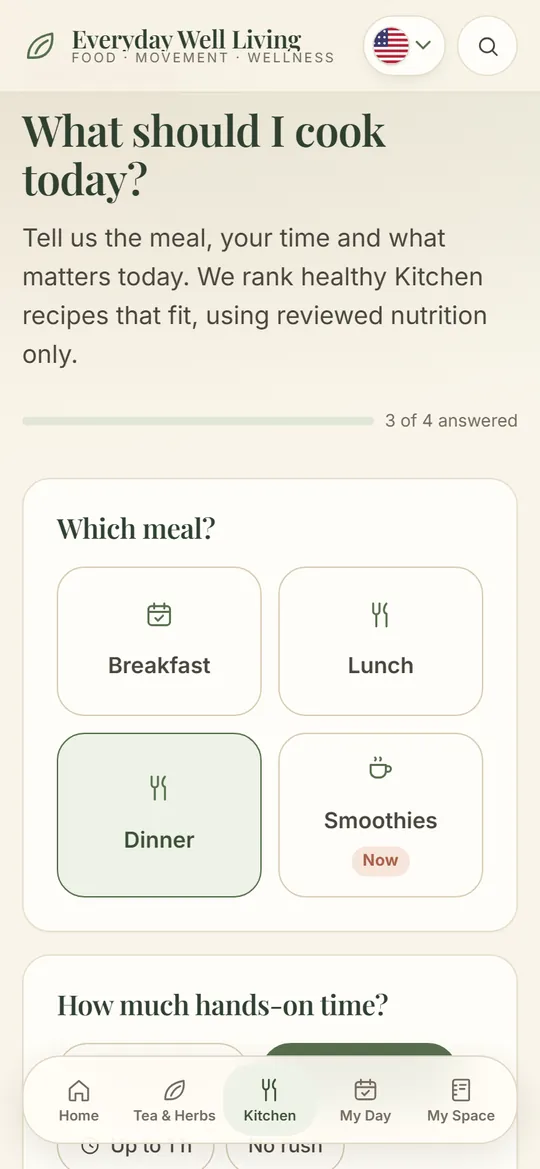
Nutrition per servingCalories · protein · carbs · fat
“I want meals and snacks that feel a bit more special.”
Tea & Food
Bakes and drinks that go together.
Tea & Food brings bakes from published sources — muffins, scones, breads — each paired with drinks from the catalog, and Make Together shows how to prepare both.
How it works
Pick a bake.
See the drinks that pair with it and why.
Prepare both with the steps.
A simple afternoon becomes a small ritual.
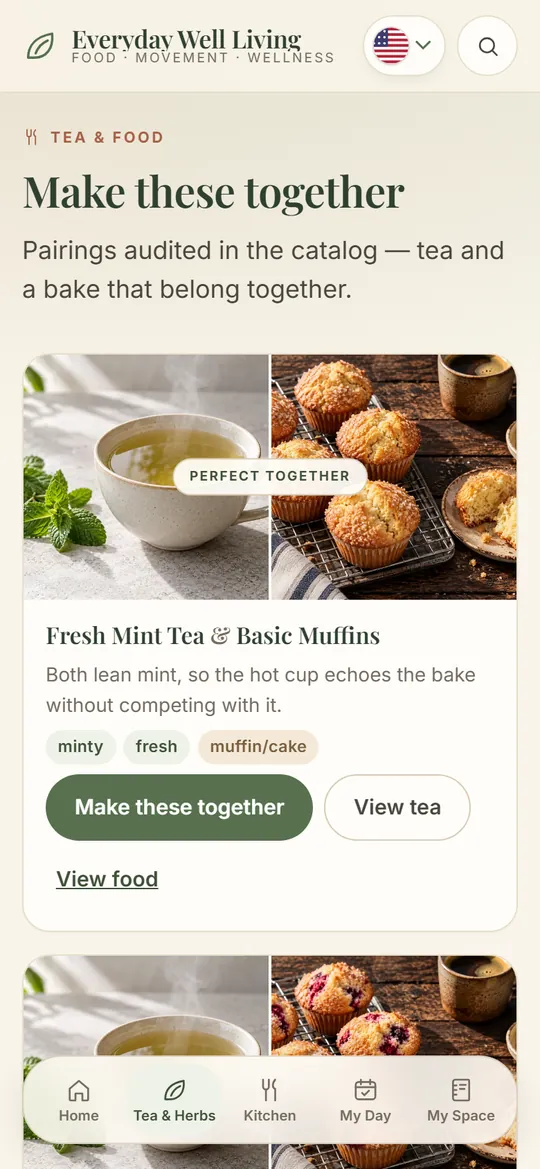
Tea & FoodBakes + drinks
Don't know what to make?
Find Your Cup
Three questions and your cup is picked.
Find Your Cup asks about the moment, the temperature and the flavor you want, then shows the drinks from the catalog that match — with photo, time and steps.
How it works
Answer: moment, hot or iced, flavor.
See the matching drinks.
Open one and start brewing.
No more scrolling through recipes wondering which one to try.
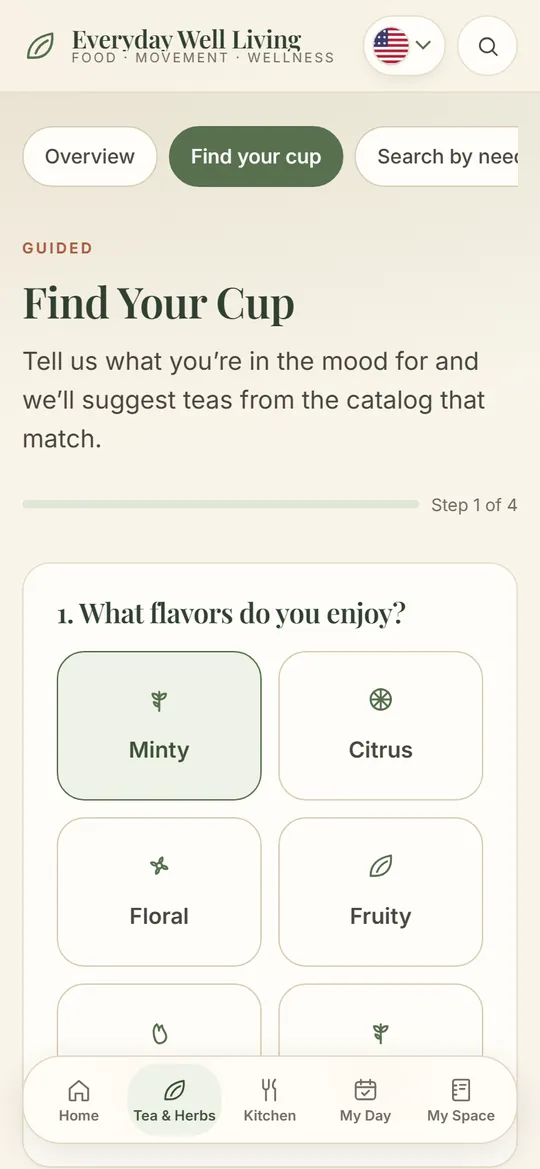
Caffeine-freeHot · iced · infused
Want to understand an herb better?
Herb Guide
Know every herb in your cup: flavor, traditional uses and cautions.
Each herb has its own page: botanical name, part used, flavor, traditional culinary use, cautions from the catalog and every recipe that uses it.
How it works
Open the Herb Guide.
Choose an herb.
Read about it and jump to its recipes.
You brew with confidence, knowing what's in your cup.
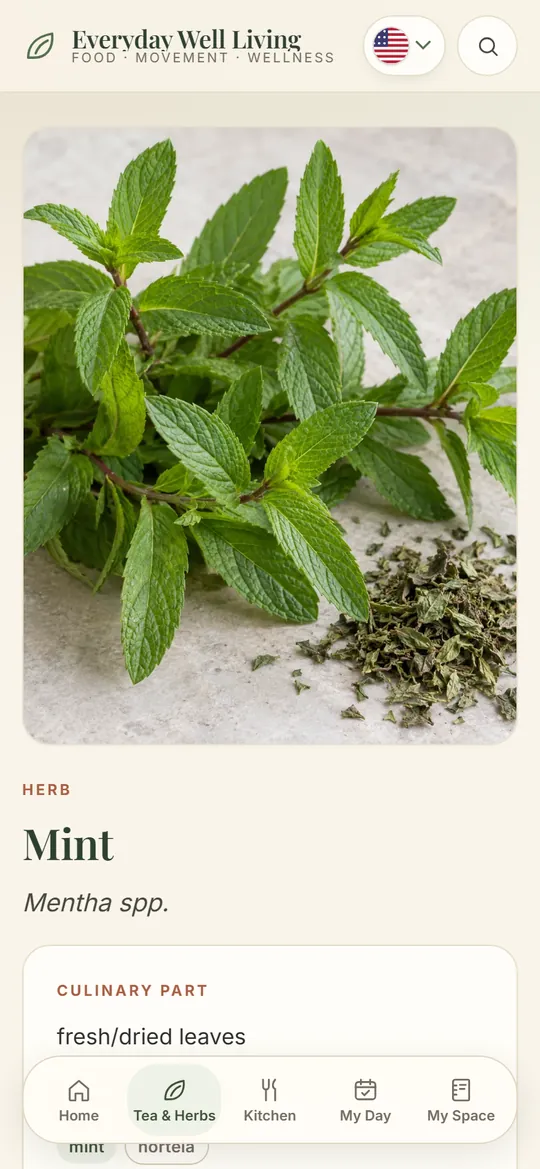
“I found something I liked and then lost it.”
My Space
Favorites, notes and your shopping list, kept together.
Save favorites, write notes on recipes, mark what you tried and add ingredients to a shopping list. With your account, it syncs across phone, tablet and computer.
How it works
Tap the heart on a recipe.
Add a note or send ingredients to the list.
Find everything again in My Space.
What worked for you is always one tap away.
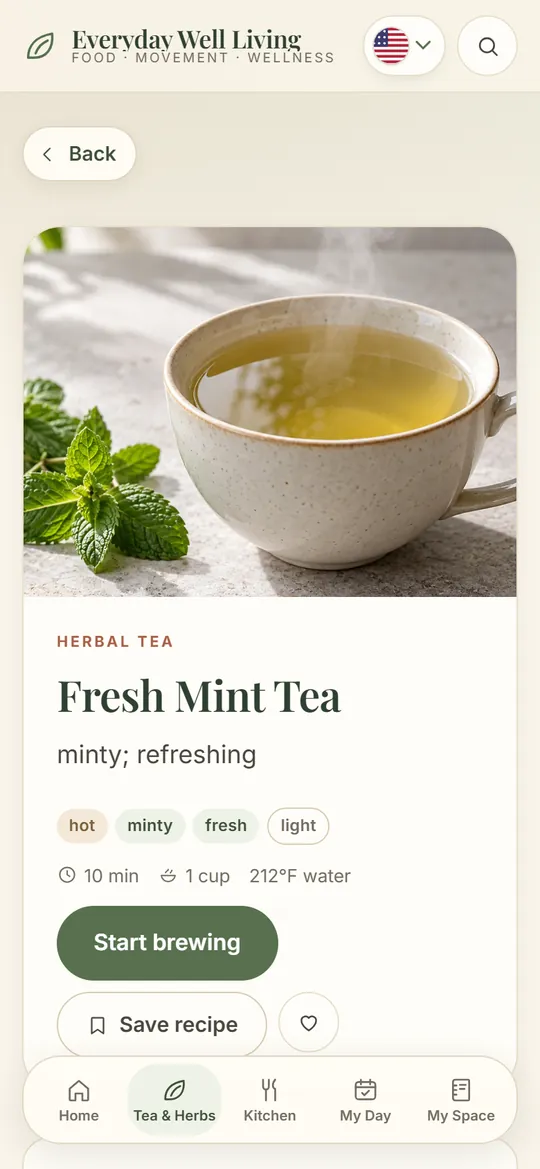
FavoritesNotes · Shopping list
Try My Day
Add a food. Watch your day update.
This is the My Day card. Tap + on a food, just like the app's quick add, and calories, protein, carbs and fat move against your target — showing what's left.
- Eaten versus target, in real time
- What's left, not only what you ate
- Warns you when you go over
Try it: tap + on a food
Calories
Macronutrients
Protein
Carbs
Fat
For you
- BananaSnack · 1 medium · 105 kcal
- Salmon, potatoes & greensDinner · 520 kcal
- Hummus & carrotsSnack · 180 kcal
Demo with sample data. Targets come from a sample profile.
Try Reports
Switch between week and month. Read your routine in seconds.
Same layout as the app: days logged, average calories, days on target and a bar for every day against the dashed target line.
- Week and month views
- On target means within 10% of your calories
- PDF straight from the report
Try it: switch to Month
Report
Sep 21 – Sep 27
September 1 – 30
Calories loggedDaily target
Download PDF
Demo with sample data.
Search by Need
Want something for a certain moment? Just type it.
Search by moment, flavor or herb — “evening”, “refreshing”, “after dinner” — and see the drinks from the catalog that fit, with photo and flavor.
- Dozens of search topics, in plain words
- Understands English and Portuguese terms
- Straight to the recipe and the steps
Try it: tap a search
-
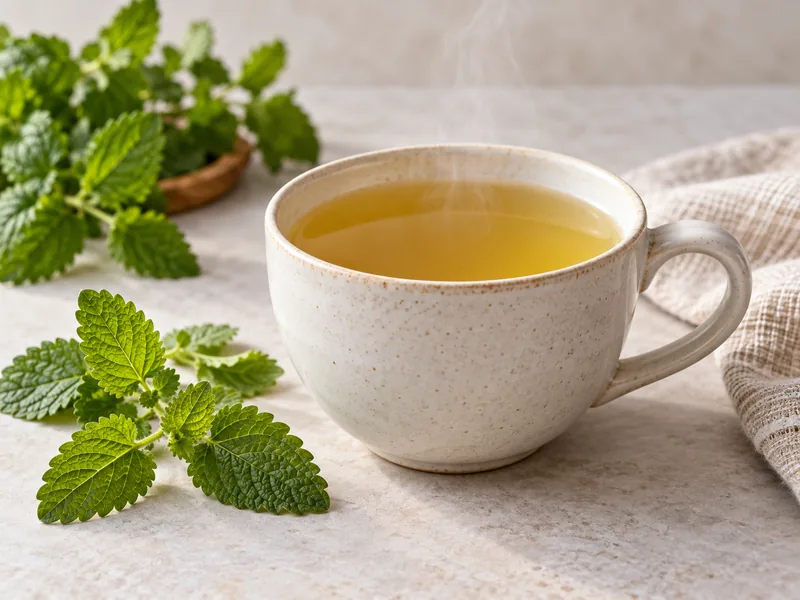 Best matchFresh Lemon Balm TeaHot · gentle lemon
-
 Fresh Lemon Balm Iced TeaIced · gentle lemon
-
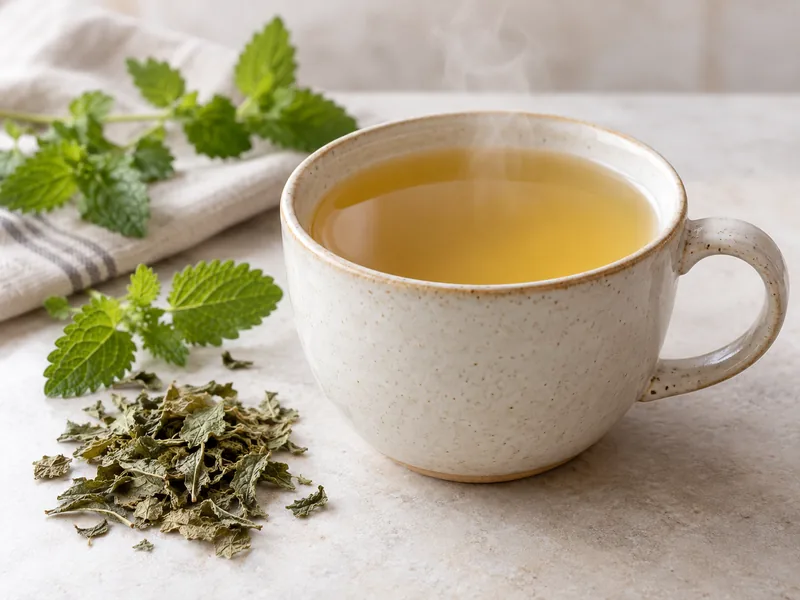 Dried Lemon Balm TeaHot · gentle lemon
-
 Best matchFresh Mint Iced TeaIced · minty, refreshing
-
 Fresh Bee Balm Iced TeaIced · bright herbal
-
 Fresh Catnip Iced TeaIced · soft minty
-
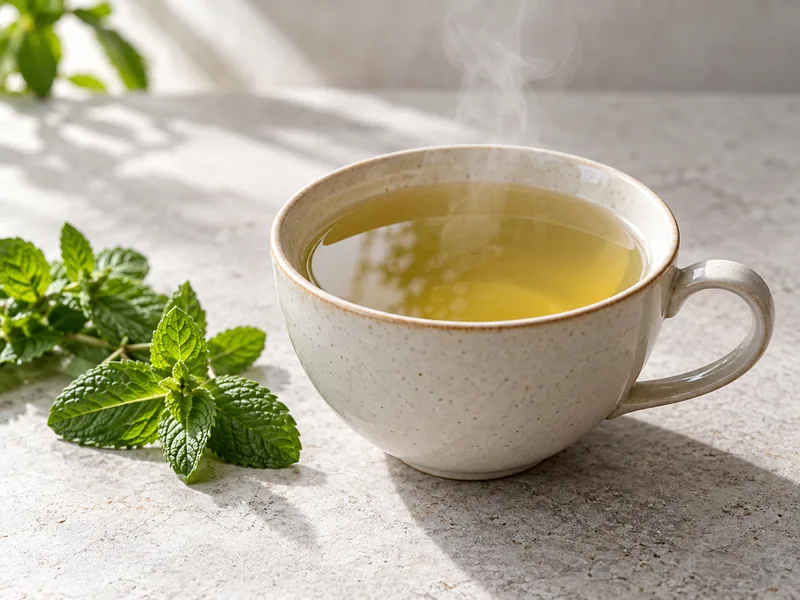 Best matchFresh Mint TeaHot · minty, refreshing
-
Fresh Mint Iced TeaIced · minty, refreshing
-
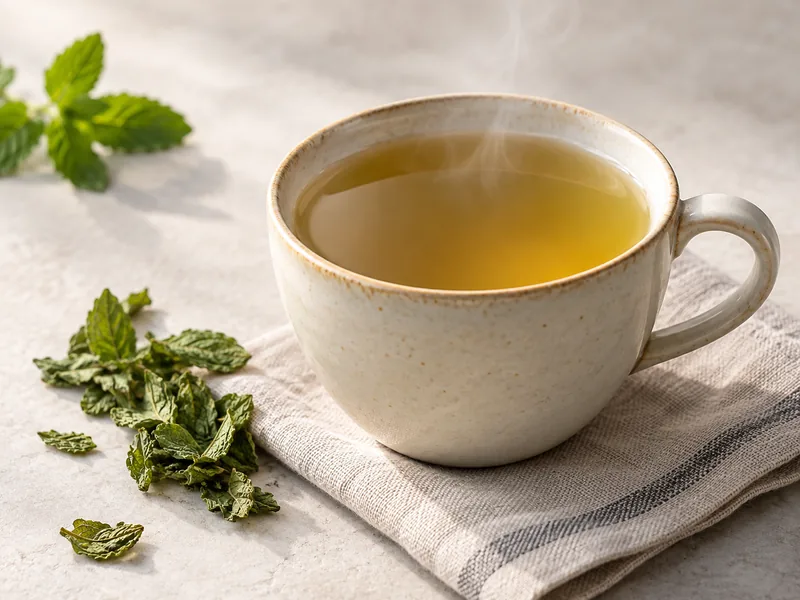 Dried Mint TeaHot · minty, refreshing
Results taken from the real catalog.
What I Have
Have herbs at home? See what you can make right now.
Mark what's in your kitchen. The app shows what's ready to make and what's missing just one ingredient.
- Ready now and almost there
- Uses the herbs of every recipe
- Nothing goes to waste
Try it: tap the ingredients
Ready now 0
Missing {count} 0
Pick an ingredient to see recipes.
Fresh Mint TeaHot Mint WaterIced
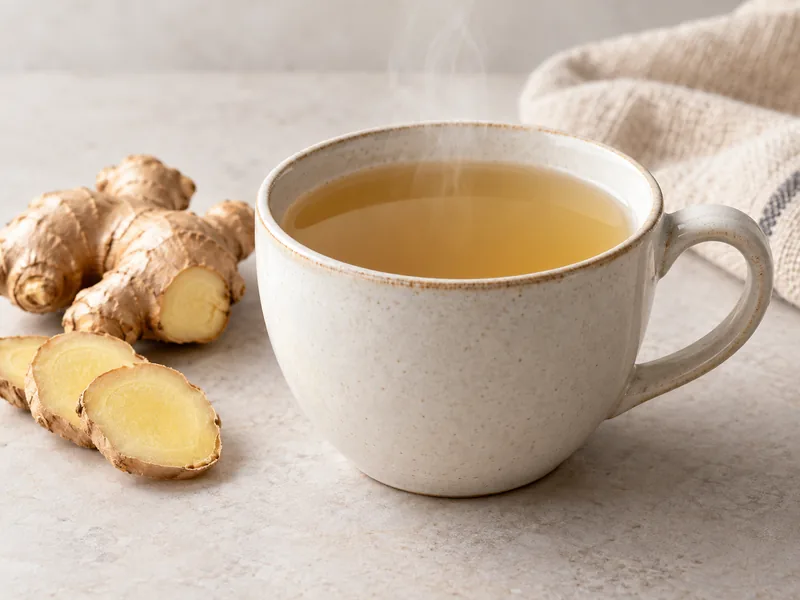 Fresh Ginger TeaHot
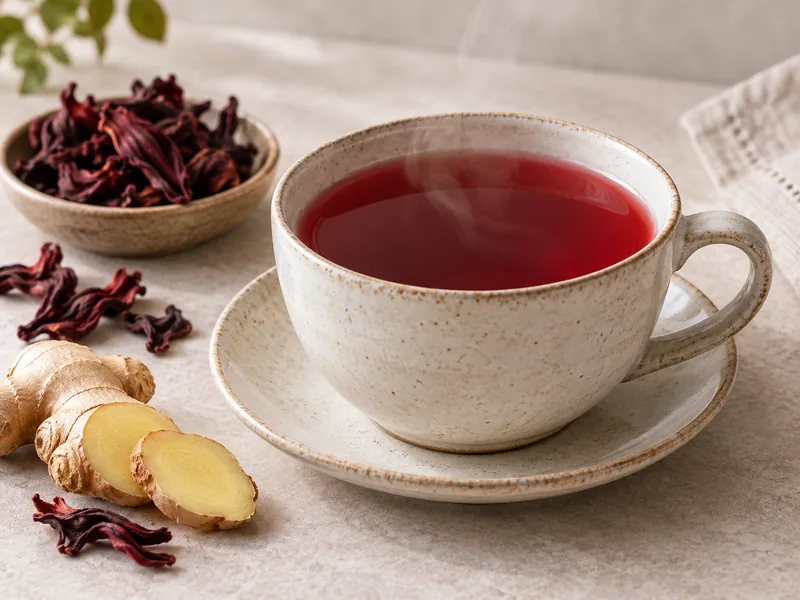 Hibiscus & Ginger TeaHot
 Thai Lemongrass TeaHot or iced
 Iced Hibiscus TeaIced
 Chamomile TeaHot
 Fresh Lemongrass Iced TeaIced
 Iced Strawberry TeaIced
Recipes and ingredients from the real catalog (sample of the list).
Find Your Cup
Two taps and your next tea is chosen.
Pick the flavor you like and how you want it. The app finds real recipes from the tea guide, with photos and step-by-step brewing.
- Filter by flavor, hot or iced
- Real recipes with photos
- Save favorites to your notebook
Try it: pick a flavor and a style
Flavor
How do you want it?
Your cups 0
Pick a flavor to see teas.
Fresh Mint TeaHot · steep 10 minDried Mint TeaHot · steep 10 minFresh Mint Iced TeaIced · steep 10 min, then chill Iced Lemon Balm & Mint TeaIced · steep 10 min, then chillFresh Lemon Balm TeaHot · steep 10 min
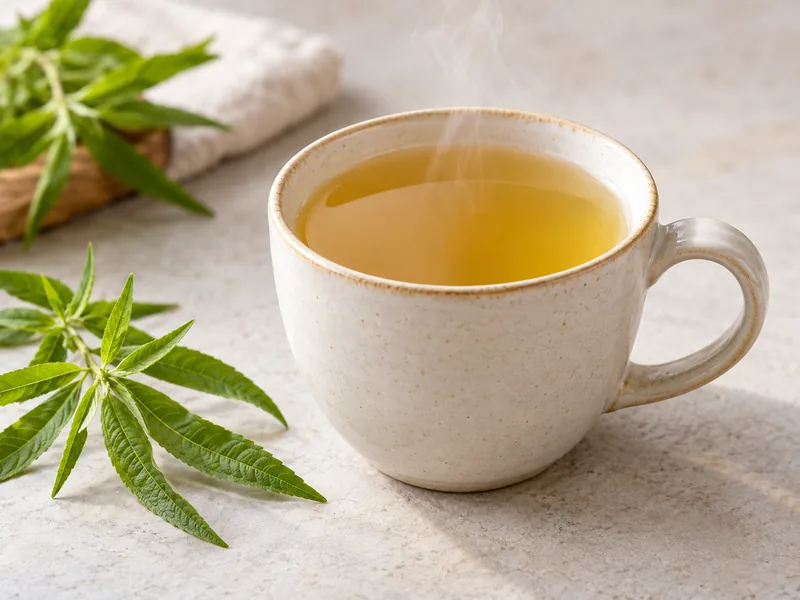 Fresh Lemon Verbena TeaHot · steep 10 minFresh Lemon Balm Iced TeaIced · steep 10 min, then chillFresh Lemongrass Iced TeaIced · steep 10 min, then chill
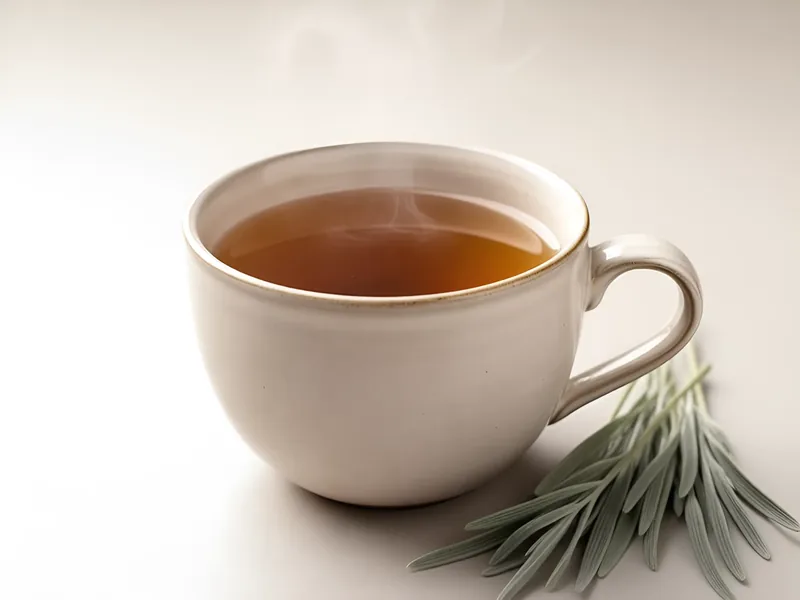 Fresh Lavender Leaf TeaHot · steep 10 min
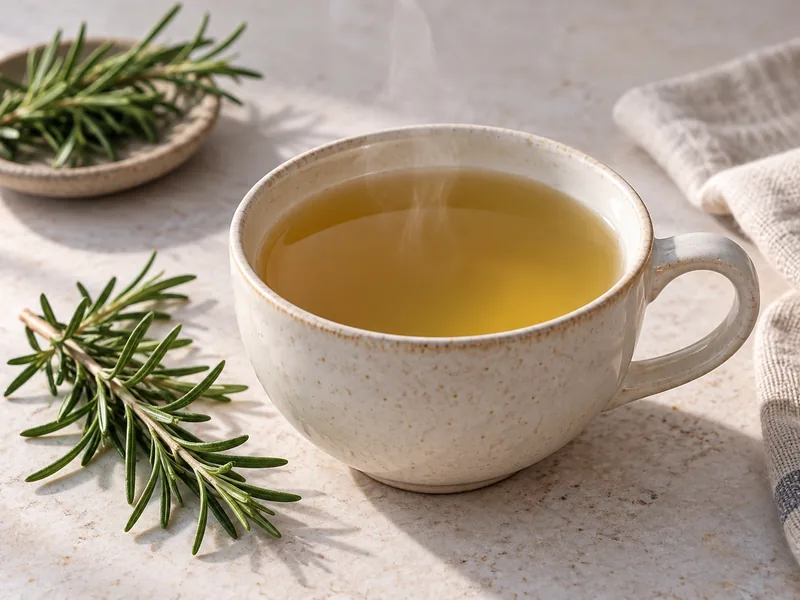 Fresh Rosemary TeaHot · steep 10 min
 Fresh Lavender Leaf Iced TeaIced · steep 10 min, then chill
 Iced Chamomile Flower TeaIced · steep 10 min, then chill
 Hibiscus TeaHot · steep 10 min
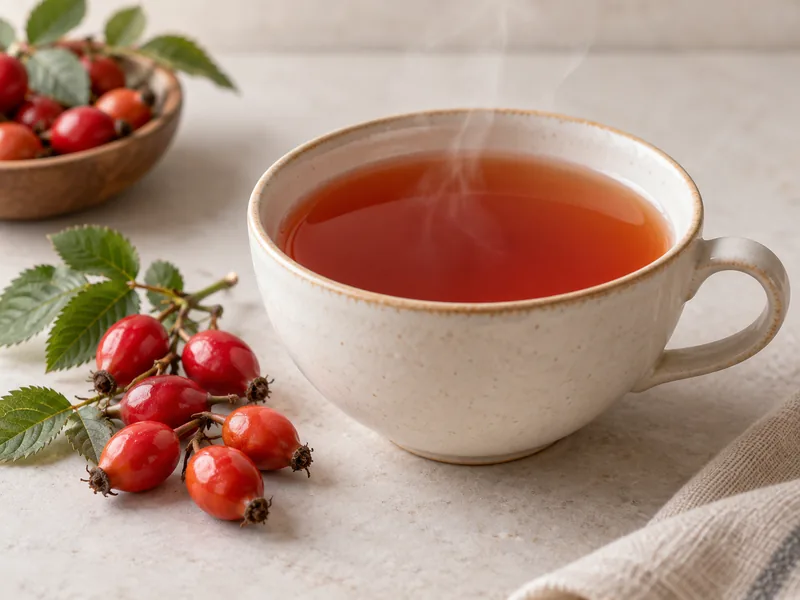 Rose Hip TeaHot · steep 10 minIced Hibiscus TeaIced · steep 10 min, then chill
 Fresh Berry Iced TeaIced · steep 10 min, then chillFresh Ginger TeaHot · steep 10 min
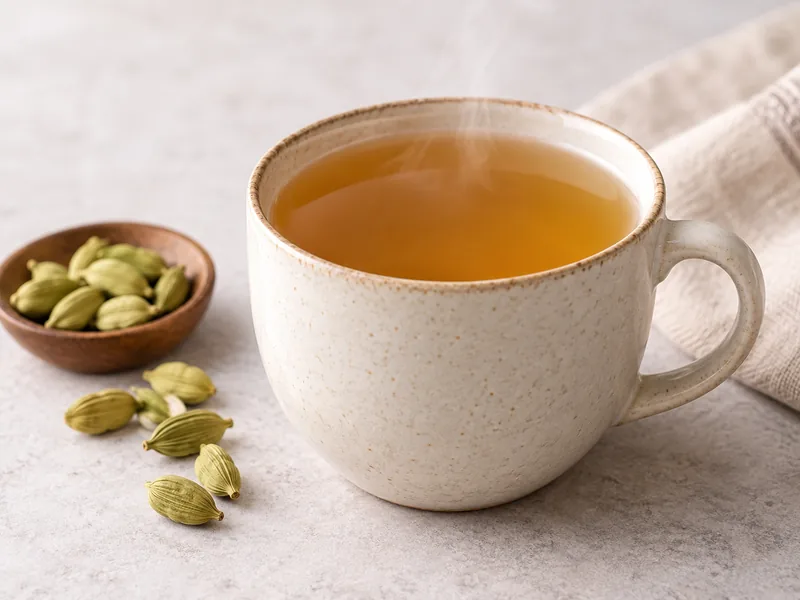 Cardamom TeaHot · steep 10 min
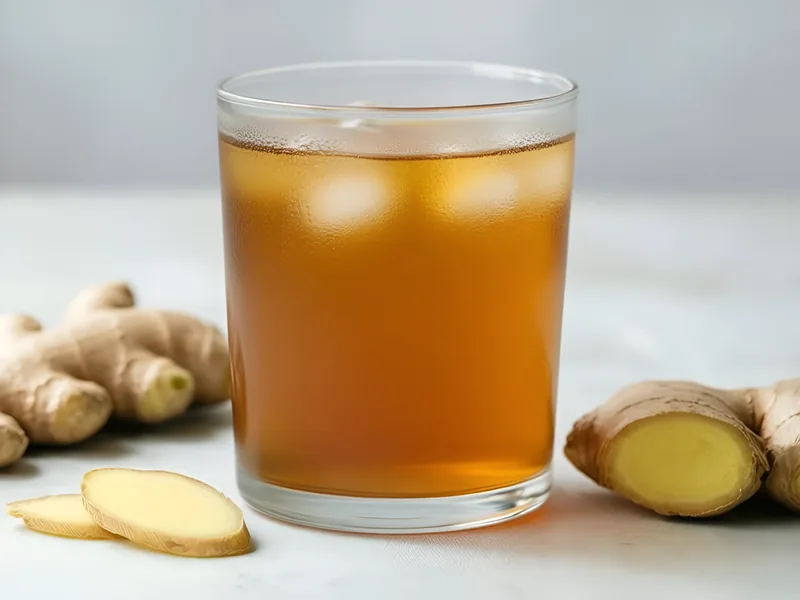 Fresh Ginger Iced TeaIced · steep 10 min, then chill
 Iced Cardamom TeaIced · steep 10 min, then chill
Teas from the real catalog (sample of the guide).
Find My Meal
Choose your goal. See what to cook today.
Pick a goal and a meal. The app shows healthy recipes with calories and protein per serving, ready to add to My Day.
- Nutrition per serving
- Breakfast, lunch and dinner
- One tap to log it in My Day
Try it: choose a goal and add a dish
Your goal
Meal
Recipes for you 0
Choose a goal to see recipes.
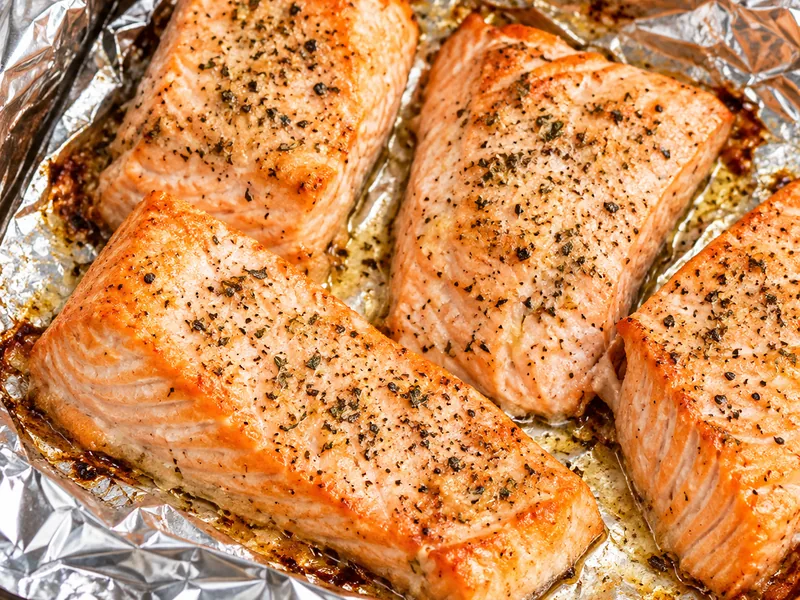 Oven Baked Salmon160 kcal · 23 g protein · 20 min
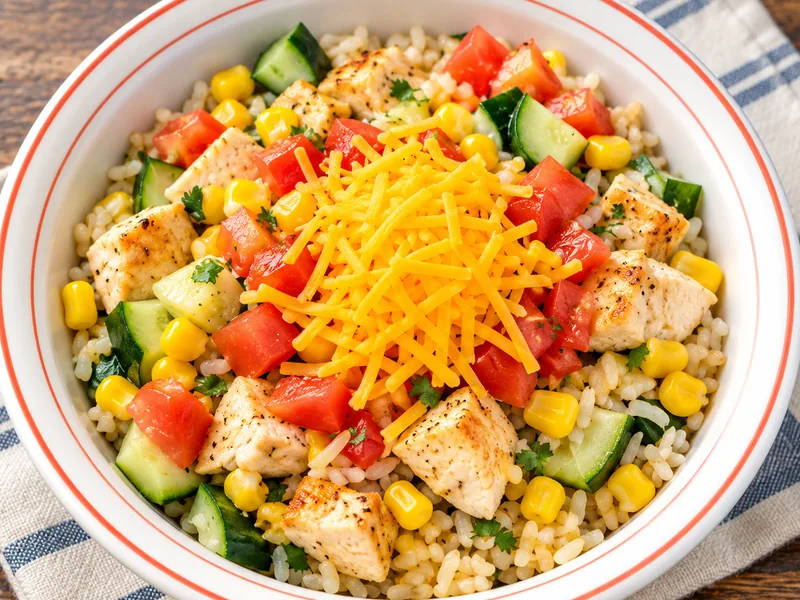 Rice Bowl Southwestern Style320 kcal · 19 g protein · 25 min
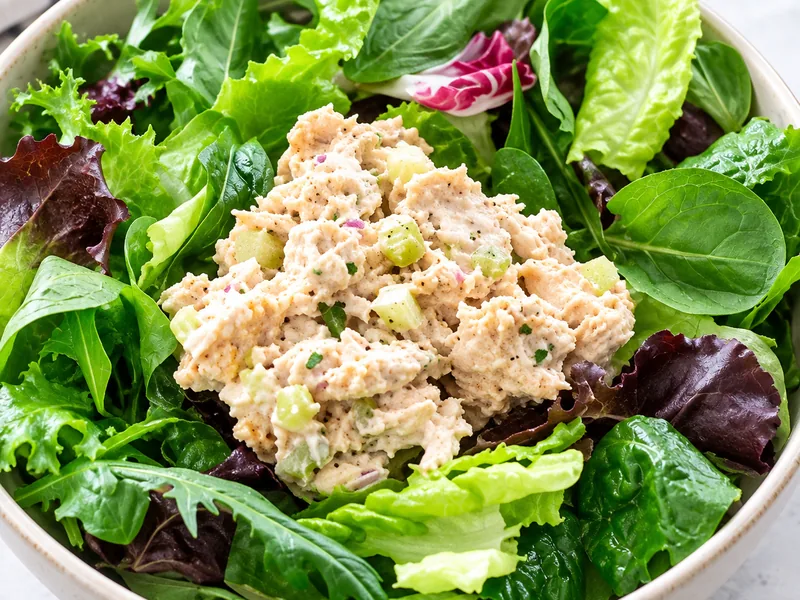 Salmon Salad Mix130 kcal · 17 g protein · 10 min
 Rice with Chicken and Vegetables220 kcal · 17 g protein · 60 min
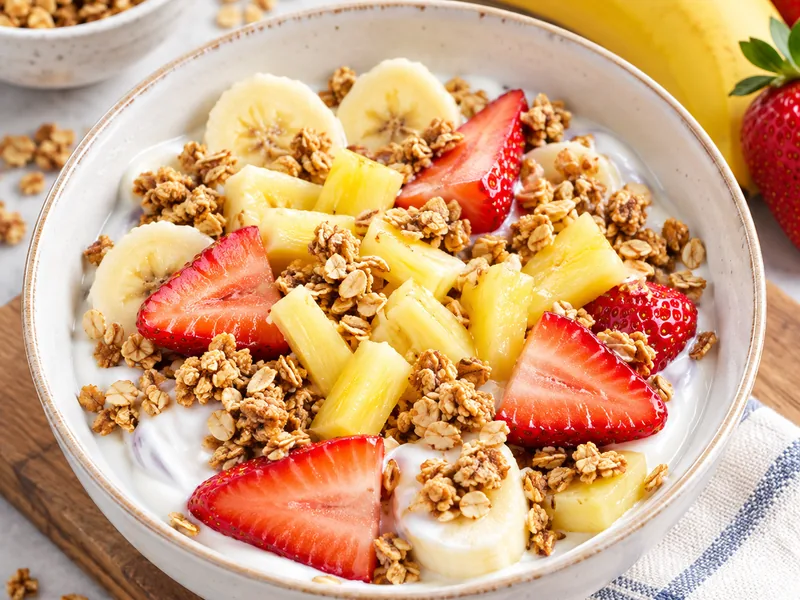 High Protein Banana Split190 kcal · 14 g protein · 10 min
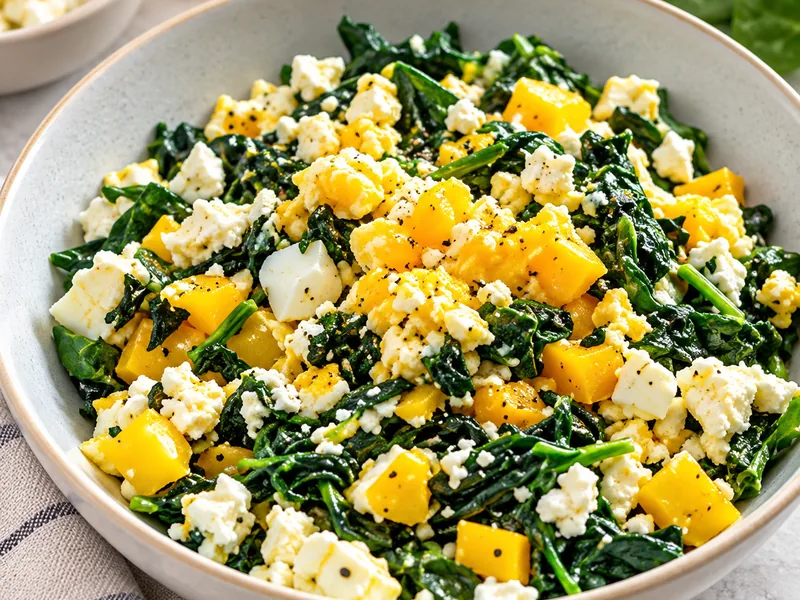 Tofu Scramble140 kcal · 11 g protein · 20 min
 Veggie Skillet Eggs130 kcal · 8 g protein · 10 min
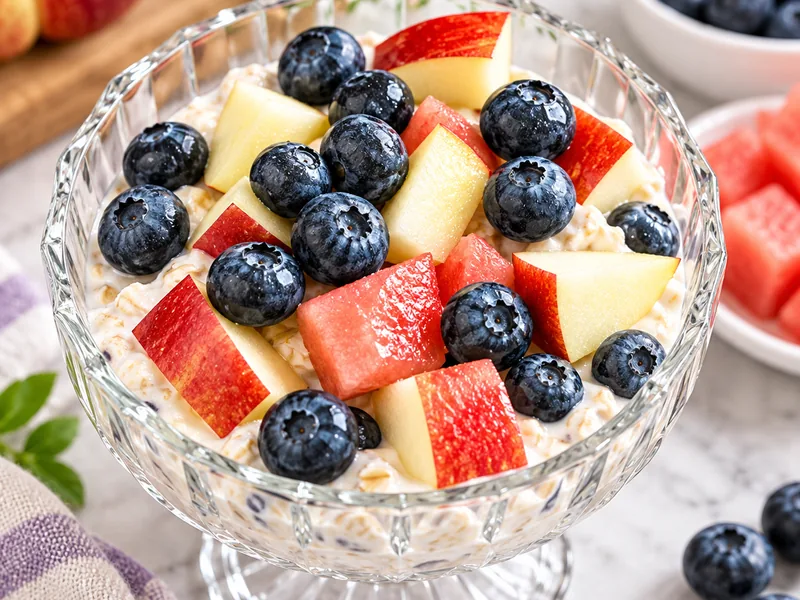 Overnight Oatmeal160 kcal · 8 g protein · make it the night before
Recipes and nutrition from the real catalog (sample).
Guided brewing
Chose a recipe? The app walks you through it, timer included.
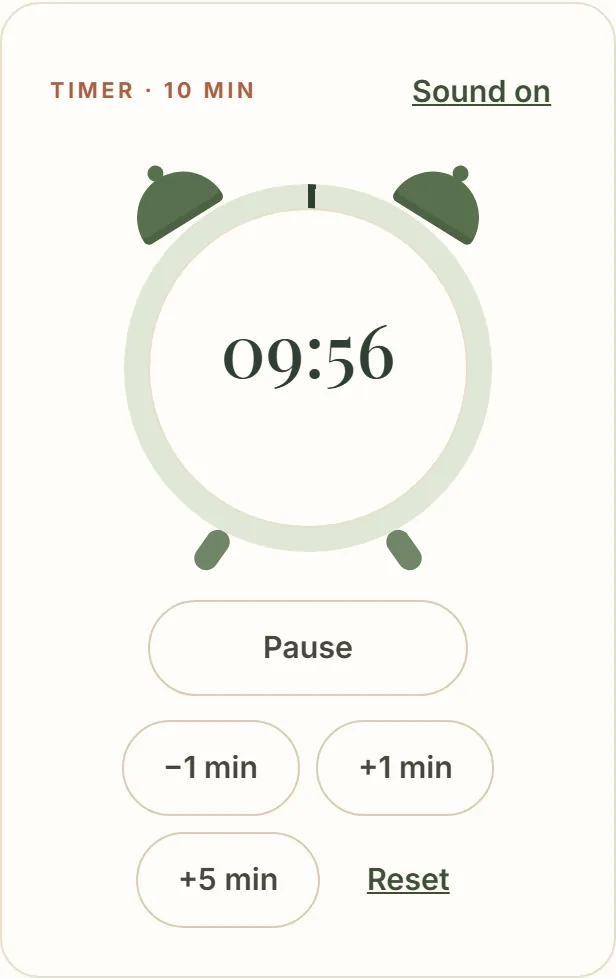
One step per screen, big text, and an alarm-clock timer on the steps that need one. Tap the clock to set any time, adjust by −1, +1 or +5 minutes, and the alarm rings until you stop it.
- Start, pause, −1, +1 and +5 min
- Tap the clock to set any time
- Alarm with sound and vibration until you stop it
Try it: press Start
Iced Hibiscus & Lemon Tea

Boil water with hibiscus ~5 minutes.
Turn off heat; add lemon juice and mint; cool.
Strain; serve over ice.
Time's up!
Time's up — go to the next step.
In this demo the timer runs faster than real time.
And there's much more
Included: the complete Tea & Herbs guide.
Herbs have been part of everyday life for thousands of years, passed down through cultures and generations. Here that knowledge becomes practical: caffeine-free teas and infused waters for every moment, every herb explained with its traditional uses and cautions, and guided brewing with a timer — with new recipes added over time.
- Find Your CupThree questions, the right cup.
- Search by NeedEvening, refreshing, after dinner.
- Guided brewingStep by step, with a timer.
- Tea & FoodBakes paired with drinks.
Caffeine-freeHot · iced · infused
Beyond your cup
And Everyday Well Living goes beyond your cup.
The same app includes My Day: estimated targets, meals, calories and macros, a calendar and weekly and monthly reports — for when you want to look after your eating too.
- Personal targetsCalories and macros for your goal.
- MealsLog in a few taps.
- CalendarEvery day with a status.
- ReportsWeek and month, with PDF.
Calories today1,040 of 1,680 kcal
Everything included
Everything for a healthier routine, in one app.
No spreadsheets, no three different apps, no notes scattered around.
My Day & targets
Calories and macros estimated for your goal.
Meals & Add Food
Usual picks and favorites in one tap, food database or your own entry.
Calendar
Every day on target, near or outside.
Reports & PDF
Week and month averages, with PDF.
Healthy Kitchen
Healthy recipes with nutrition per serving and a meal finder.
Tea & Herbs
Caffeine-free teas and infused waters for every moment.
Find Your Cup, Search & What I Have
The right drink for the moment, with what you have.
Guide library (e-books)
Practical reads on herbs, food, routine, energy and sleep — new guides added over time.
Herb Guide
Every herb with flavor, traditional uses and cautions.
Guided brewing
Step by step, with a timer.
Tea & Food and My Space
Pairings, favorites, notes and shopping list.
All your devices
Phone, tablet and computer; works offline and syncs.
Everyday Well Living
Everything you've seen, in one plan.
Immediate access to everything: My Day, healthy recipes, the complete Tea & Herbs guide and the guide library — on all your devices.
- My Day: estimated calorie and macro targets
- Meals with one-tap quick add, favorites and food search
- Calendar plus weekly and monthly reports with PDF
- Healthy Kitchen: recipes with nutrition per serving, meal finder and bakes paired with drinks
- Complete Tea & Herbs guide: caffeine-free teas, infused waters and every herb explained
- Find Your Cup, Search by Need, What I Have and guided brewing with timer
- Guide library (e-books) on herbs, food, routine and healthy living
- My Space: favorites, notes and shopping list
- Phone, tablet and computer — works offline and syncs
- Improvements and new content added to the app during your year, at no extra cost
Founding price
Regular price after launch: $39.99/year
$29.99/year Save 25% during launch
Annual plan · 1 year of full access · One-time payment
I want Everyday Well Living7-day money-back guarantee: ask within 7 days of purchase and get a full refund, no questions asked.
- Secure checkout
- Access link by email
- All your devices
Founding price for early buyers: $29.99 for 1 year of full access — one payment covers the whole year. It isn't a monthly fee and it doesn't renew on its own: at the end of the year, you decide whether to renew. When the launch period ends, new buyers will pay the regular price of $39.99 a year.
A living project
A full year of the app. And it keeps improving.
We keep improving Everyday Well Living. Improvements and new content we add to the app during your access period are included in your plan at no extra cost. We don't promise a fixed schedule, and separate new products or services may be sold on their own.
New guides
More e-book guides on herbs, food, routine and healthy living, added inside the app.
More recipes
New teas, drinks and dishes to keep your week varied.
New features and tools
Improvements to the app appear in your account automatically.
Founding annual plan: one payment, 1 year of access. No monthly fees, no automatic renewal.
Questions about My Day
Do I need to know how to count macros?
No. You log the food and the app adds up calories, protein, carbs and fat for you, showing what's left against your targets.
Does the app calculate my targets?
Yes. From your age, sex, height, weight, activity level and goal it estimates your daily calories (Mifflin-St Jeor equation) and your protein, carbs and fat. You can edit any number or enter targets from your professional.
Can I add my own meals?
Yes. Besides searching foods and packaged products, you can enter any dish manually with its calories and macros.
Does it have healthy recipes?
Yes. The Healthy Kitchen has balanced recipes with nutrition per serving, Find my meal to filter by meal, time, goals and allergens, and Add to My Day on every recipe.
Can I see how my week went?
Yes. Weekly and monthly reports show days logged, averages, days on target and a daily chart. You can download it as a PDF.
Is it a diet?
No. There's no meal plan and nothing is forbidden. My Day compares what you eat with your own targets; you decide what to change. Automatic targets aren't offered to minors, during pregnancy or breastfeeding, or with a medical nutrition need.
Questions about Tea & Herbs
How do I find a tea?
Use Find Your Cup (three quick questions), Search by Need (type a moment or flavor) or browse the full catalog of caffeine-free teas and infused waters.
Can I search by herb?
Yes. Type the herb in the search or open the Herb Guide, where each herb lists every recipe that uses it.
Does it work with what I already have at home?
Yes. In What I Have you mark your ingredients and see what's ready to make now and what's missing only one item.
Is there a step by step?
Yes. Every recipe has guided brewing, one step per screen, with an alarm-clock timer on the steps that need it: tap to set the time, adjust by −1, +1 or +5 minutes, and the alarm (sound and vibration) rings until you stop it.
Are the teas a treatment?
No. They're culinary recipes for flavor and everyday routine. Each herb shows the catalog's cautions; check with a health professional if you have a condition, take medication, or are pregnant or breastfeeding.
Before you buy
Is it a monthly subscription?
No. It's the Founding annual plan: you pay once and get 1 year of full access. There are no monthly fees and no automatic charges; at the end of the period, you decide whether to renew.
Can I get my money back?
Yes. You have a 7-day money-back guarantee: ask within 7 days of purchase for a full refund, no questions asked. Access to the app ends when the refund is processed.
Will I pay for new content?
No. Improvements and new content added to the app are included at no extra cost. Separate new products or services, if we ever launch any, may be sold on their own.
Why is the price lower now?
It's the Founding price for early buyers, valid for your full year of access. When the launch period ends, new buyers will pay the regular price.
How does the Founding annual plan work?
You make one payment and get 1 year of full access to Everyday Well Living, counted from your purchase, including the improvements we add to the app in that period. There is no automatic renewal: to keep going, just renew with the same email and your data stays in your account. Separate new products or services may be sold on their own.
Does it work on my phone?
Yes. It was designed for the phone first and also works on tablet and computer.
Do I need to install anything?
No. It opens in the browser. If you like, add it to your home screen and it opens like an app — no app store needed.
Can I use it on more than one device?
Yes. Sign in on your phone, tablet and computer; your diary, favorites and notes sync through your account.
Does it work offline?
Most of the app works offline, and what you log syncs when you're back online. Food search needs a connection.
How do I get access after paying?
Right after payment you receive an email with a secure link that opens the app already unlocked.
See where you stand today. Not next Monday.
Your food, your routine, your cup and a library of guides for habits that last — organized in one app, starting today.
- My Day
- Reports
- Tea & Herbs
$39.99 $29.99
Founding price: $29.99 a year. Regular price after launch: $39.99 a year.
Annual plan · 1 year of access · 7-day money-back guarantee